Send a list of YouTube channels to family or friends (sharing a Plainfeed feed)
TL;DR
- A Plainfeed feed can be sent as one link. Whoever opens it can add those channels as is, with no sign-in.
- The channel list lives inside the link, so nothing is stored on the server. One link holds up to 50 channels.
- Editing the feed after you send it doesn't change the link you sent, so send it again after changes.
Maybe you've set up a kid's phone by subscribing to channels one at a time, or typed channel names into a chat for a friend. In Plainfeed you can send a feed, a group of channels, as a single link.
Sending
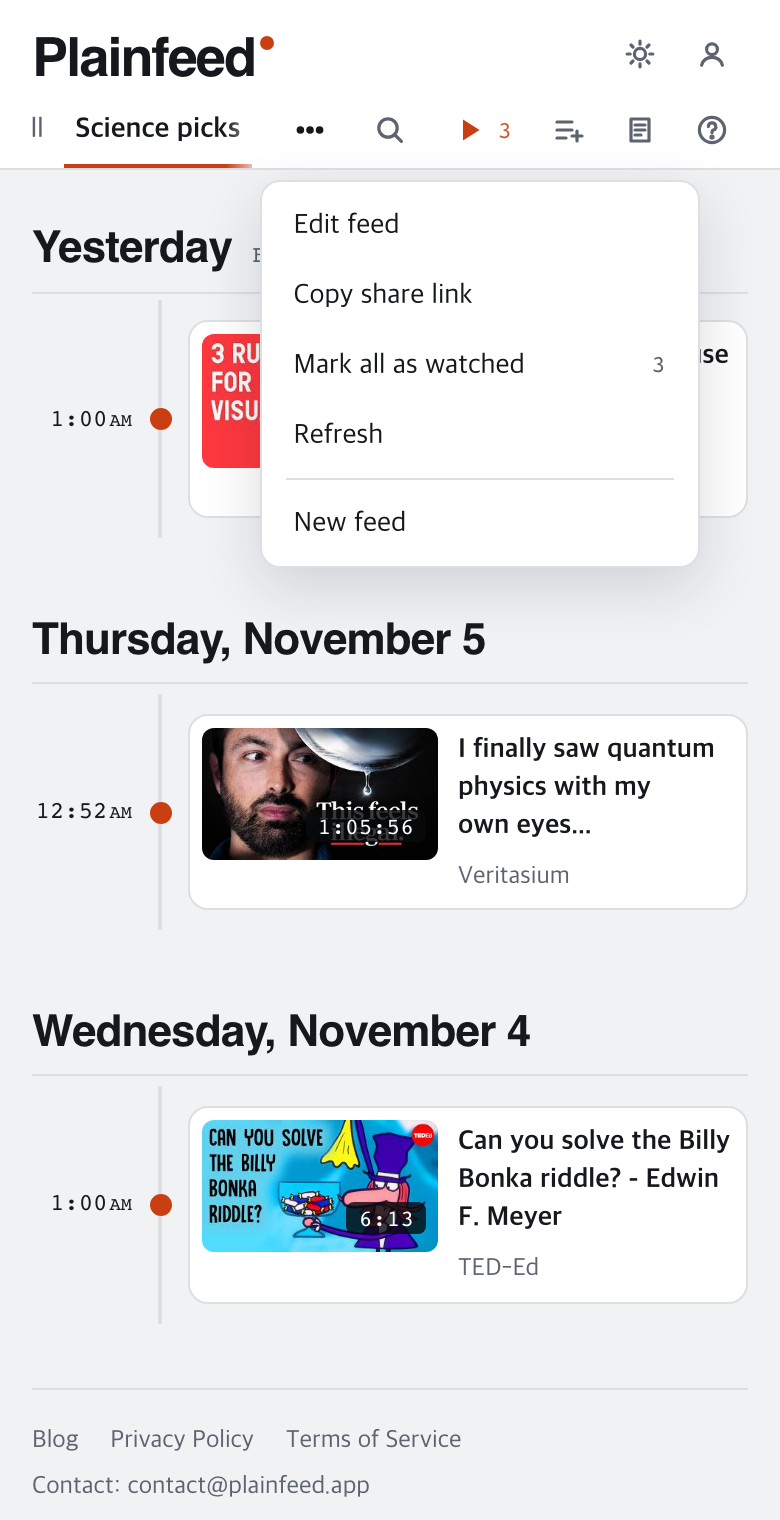
In short: on the feed's tab, choose ⋯ → Copy share link and paste it into a chat.
- Put the channels you want to send into a feed. Use + Feed in the tab bar (or ⋯ → New feed once you have a feed), name it and check the channels.
- On that feed's tab, choose ⋯ → Copy share link.
- Send the copied link in a chat or a text.
The feed name goes along too, so a name the other person will recognize, like "Science for kids", works well.
Receiving
In short: opening the link shows the channel list in a window, and you can add the whole feed or just the channels.
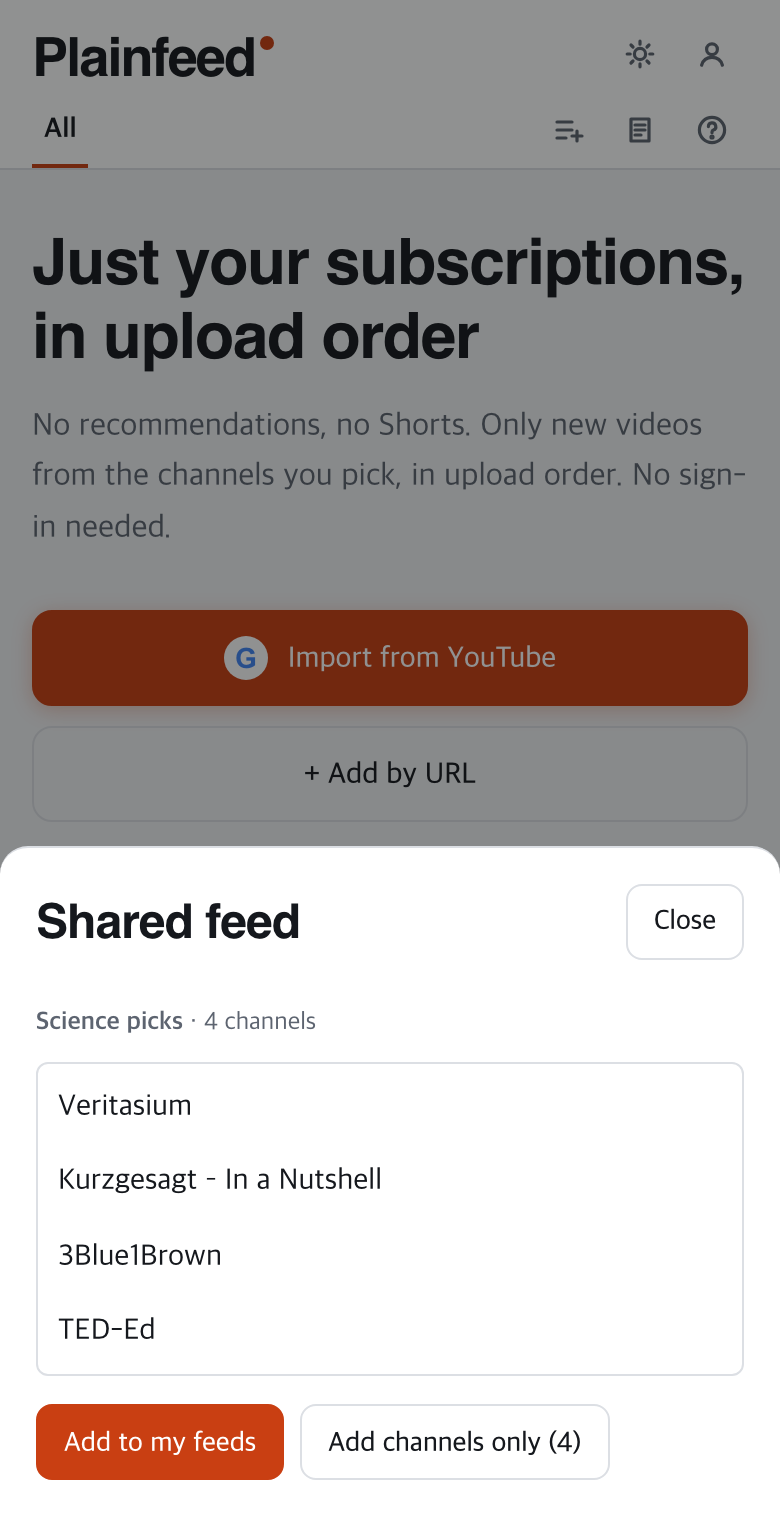
- Add to my feeds: the feed name and its channels arrive as a feed tab.
- Add channels only: no feed is made; the channels go into your channel list.
No sign-in needed. It opens right in a phone browser. If you already have 3 feeds, pick one to replace (its channels stay), and if adding would go over 100 channels, remove some channels first.
Good to know
- The channel list lives inside the link, so nothing is stored on the server. That's why one link holds up to 50 channels.
- Editing the feed after you send it doesn't change links you've already sent. If you change the channels, send the link again.
- Once someone adds the channels, the list is theirs. The sender can't change or remove it later.
Wrapping up
Instead of explaining a list of channels, hand over one link, and the other person gets the same view with one button. The buttons are described in more detail in the guide's section on sharing.